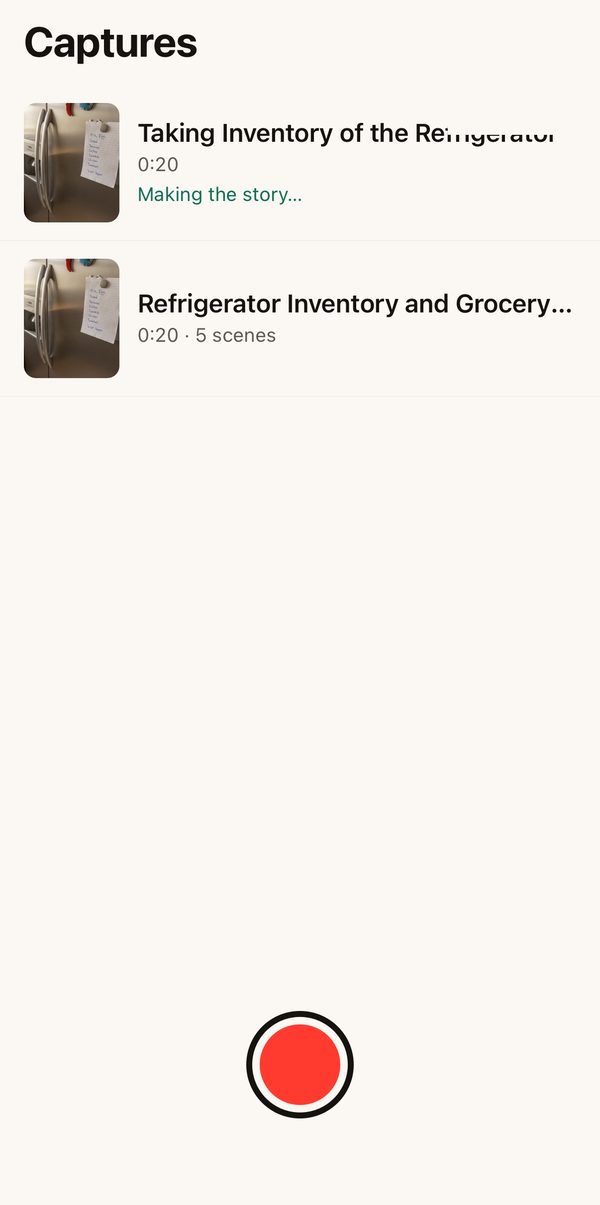
Point your phone.
Press red.
Get the story.
Capture opens straight to the camera. Film a fridge, a room, a few pages — when you stop, it finds the scenes, reads what's in them, and tells you what you saw, with ideas you can act on.
What happens after you stop
You go back to filming. Capture works on the clip in the background — about a minute for a 20-second video.
-
It finds the scenes
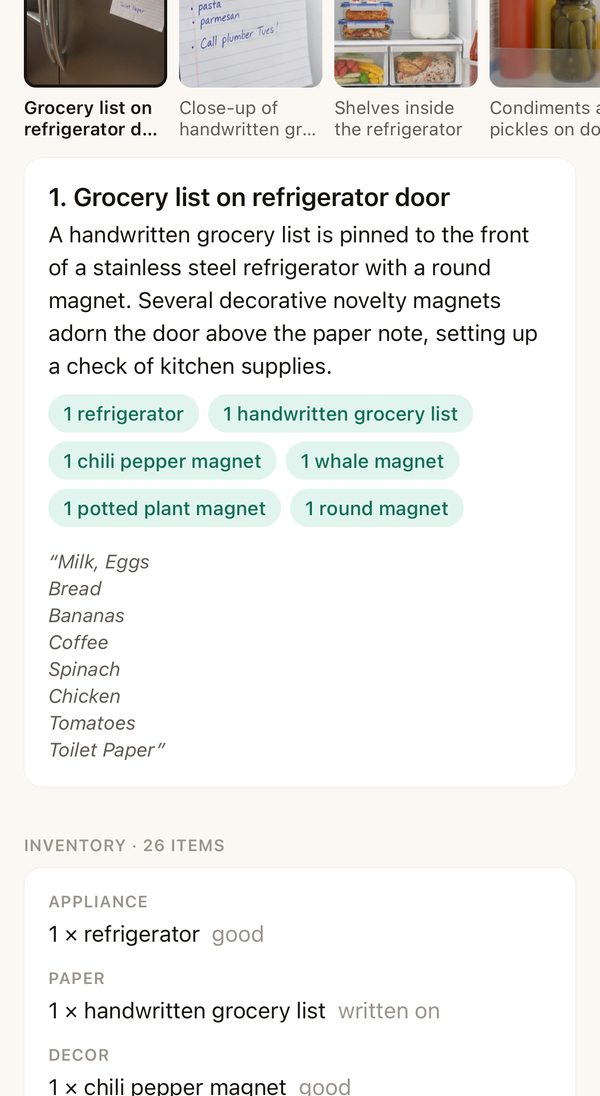
Every change of view becomes a photo. The door, the list, the shelves, the drawer.
5 scenes from 20 seconds
-
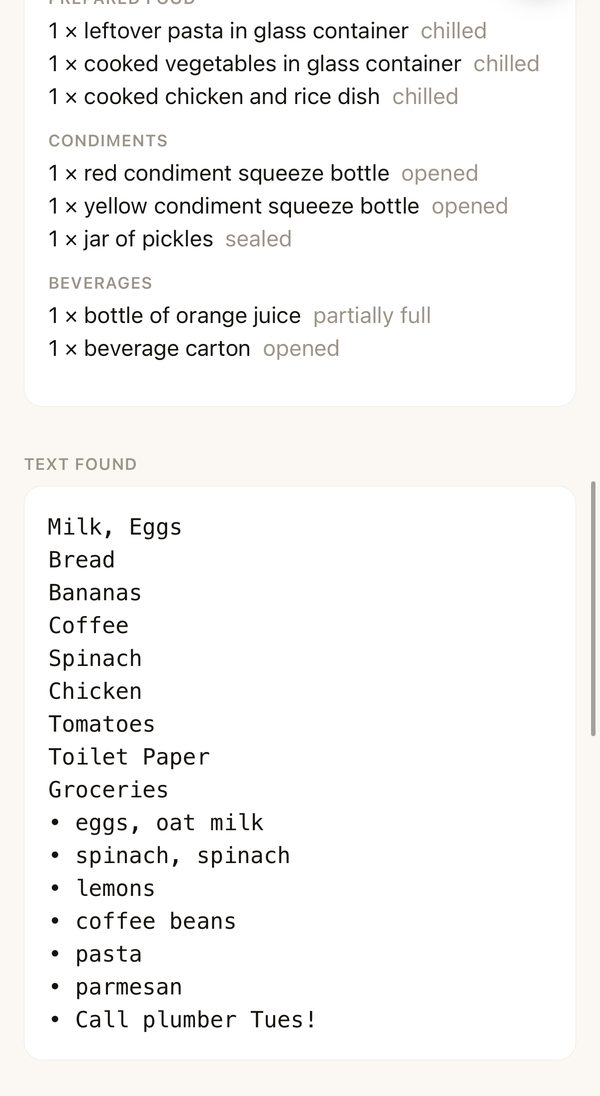
It reads what's there
Each scene is read with the ones around it in mind, so the third shot knows it's still your kitchen. Items go into an inventory. Handwriting and printed text are copied out word for word.
it read the grocery list
-
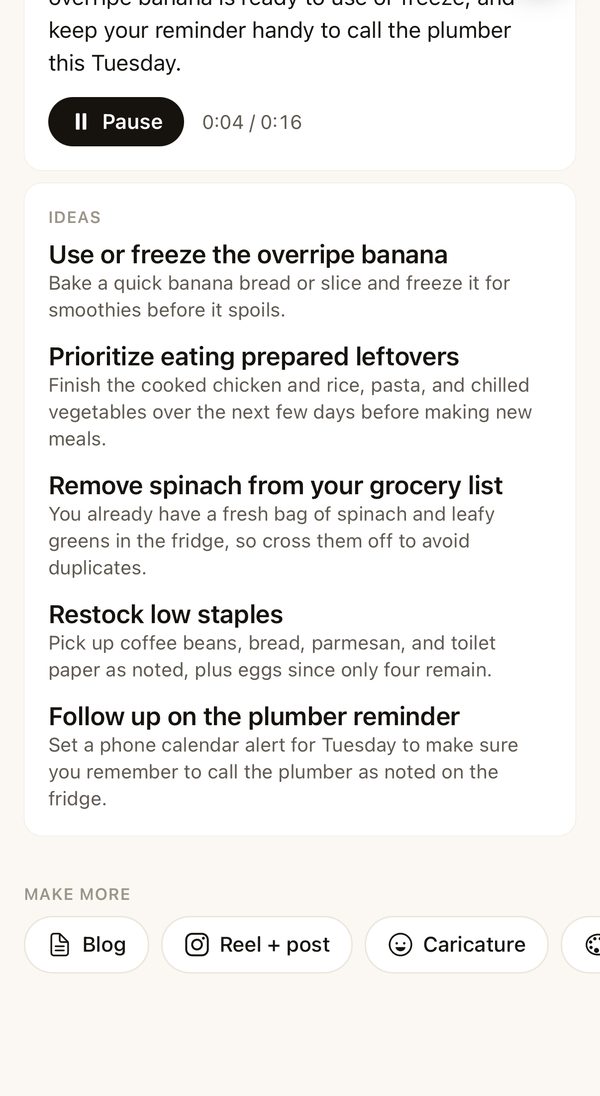
It tells you the story
A short summary you can read or listen to, in a natural voice, and ideas that fit what it saw: use the overripe banana, skip the spinach you already have.
press Listen
-
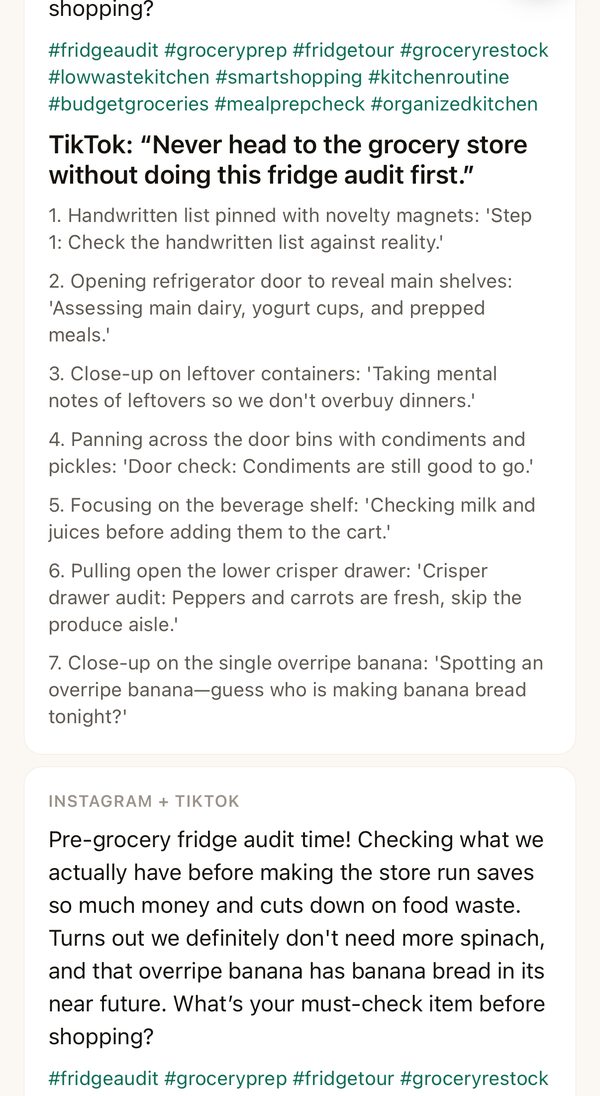
It makes things from it
A blog post in your style, an Instagram caption and a TikTok shot list, or an answer to any question about what you filmed.
one tap each
-
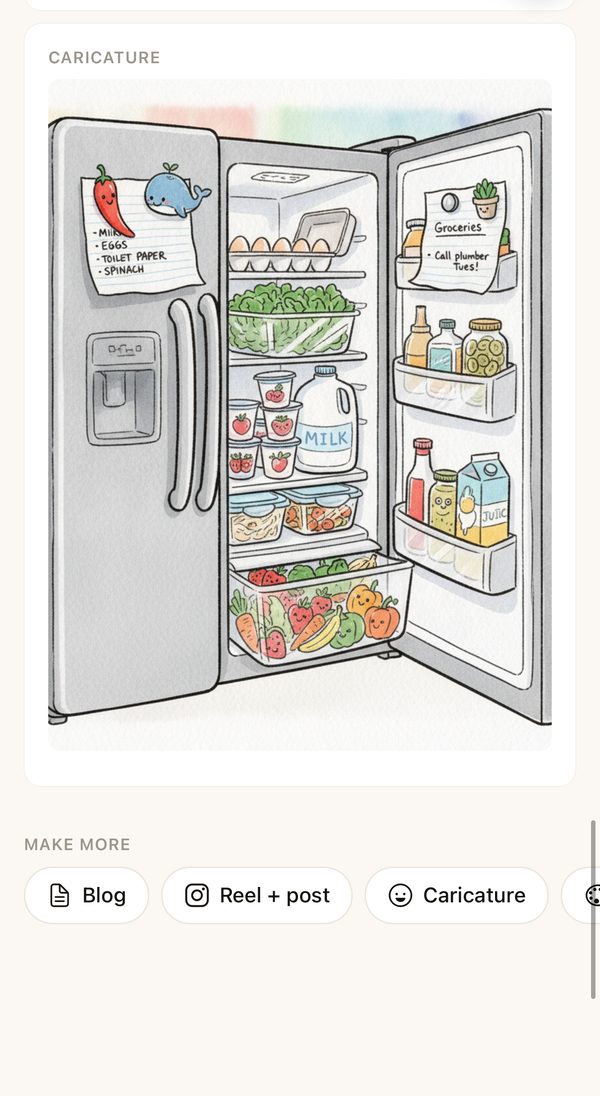
And draws it
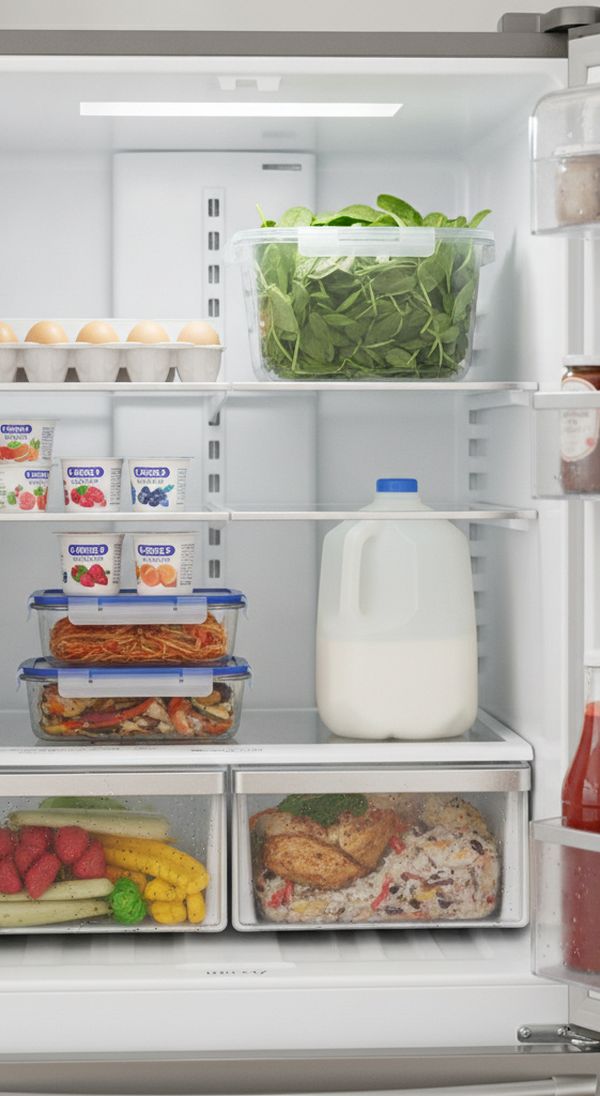
A playful caricature of what you filmed, or any scene restyled the way you like it — watercolor, film, night.
the same fridge, drawn
Things people point it at
- The fridge before shopping. What's there, what's going off, what to buy.
- A hotel room or a rental. A record of how you found it.
- Three pages of notes. The text, typed out, with the gist on top.
- A garage or a closet. An inventory to sell, give away or insure.
- A walk through a place. A story you can listen to later or post.
Yours, and simple
No sign-up to start: your phone is your account until you choose to sign in. Your videos and what Capture finds are kept for you and used only to make your story. Nothing is posted anywhere unless you tap to post it.